
Did you know DaVinci Resolve is the top choice for pros in film and TV? It’s a free video editor that does it all: editing, color correction, and more. It’s easy to use, even for beginners, and keeps your video quality top-notch.
Hollywood stars often choose DaVinci Resolve for its amazing features. It uses advanced technology like 32-bit float processing. This makes it stand out in the video editing world.
Next, we’ll explore what makes DaVinci Resolve a game-changer in video editing.
Key Takeaways
- DaVinci Resolve is widely used by industry professionals for film and television projects.
- The software offers a complete toolset, perfect for all skill levels.
- It keeps your video quality high throughout the editing process.
- It combines color correction, visual effects, and audio management in one tool.
- Supports real-time collaboration, making teamwork easier.
What is DaVinci Resolve?
DaVinci Resolve is a top-notch video editing software. It has grown a lot from its first release in 2004. Now, it’s a favorite for both beginners and pros in video making.
It’s special because it does everything you need in one place. You can edit, color correct, add effects, and work on audio all in one program. This makes it stand out from other editing tools.
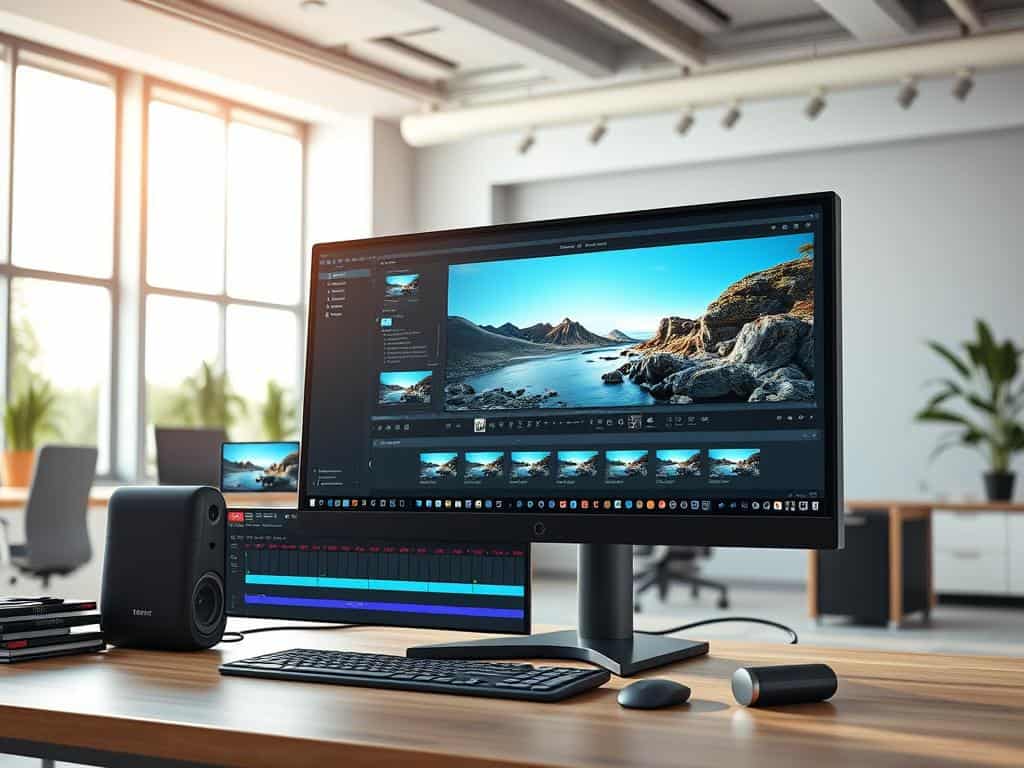
The DaVinci Resolve workspace is easy to use. It helps you move smoothly between different tasks. It’s great for new users and also has advanced features for experienced editors.
DaVinci Resolve supports many video formats. It also handles big production workflows. This means you can make videos that look like they were made for the movies.
Key Features of DaVinci Resolve Editing
DaVinci Resolve is a standout in video editing software. It offers a wide range of tools in one place. This makes editing, color grading, visual effects, and audio post-production easier. I can work more efficiently without switching between apps.
All-in-One Solution
DaVinci Resolve has a vast suite of tools for all editing needs. It comes with over 200 filters and effects in Fusion FX. This makes it perfect for any project, from big films to quick videos.
Professional Grade Tools
DaVinci Resolve has top-notch tools to boost productivity. The DaVinci Neural Engine makes editing and grading faster. The Magic Mask tool lets me track edits with simple strokes.
The Depth Map effect automates 3D depth matte generation. This saves time and ensures great results.
Pro Tools for Sound and Music Management
Good audio management is key in video projects. DaVinci Resolve shines with its Fairlight audio tools. These tools are available in both free and paid versions.
They offer great sound management for my edits. The Dialogue Leveler improves audio by balancing dialogue across clips. This enhances the sound in my videos.
Overview of New Features in DaVinci Resolve 19
DaVinci Resolve 19 introduces many new features that change video editing. These tools use advanced AI to make editing better and faster. They help me work more efficiently and spark my creativity.
AI-Powered Tools
The DaVinci Neural Engine is a game-changer for audio and video management. It makes editing easier with features like automatic speech-to-text. This lets me focus more on the story.
AI-based voice isolation removes background noise, making dialogue clear. The auto subtitle feature adds captions automatically, making videos more accessible. IntelliTrack AI in Fairlight even automates audio based on motion, saving time.
Improved Collaboration Features
DaVinci Resolve 19 also makes working together better. The Presentations feature lets us review timelines live and leave comments. This makes feedback easier and more effective.
Timeline locking stops conflicts by letting many users edit at once. Sharing proxy files through Blackmagic Cloud makes remote work simple. These updates show a focus on making teamwork smooth in big projects.
Why Choose DaVinci Resolve?
DaVinci Resolve is a top choice for video editing software. It’s known for its advanced features and a free version that’s packed with editing tools. This makes it perfect for both beginners and experienced creators.
Free vs. Paid Version
The free version of DaVinci Resolve offers great video editing quality. It supports many standard formats and resolutions. This makes it easy for new users to start editing without spending money.
For those who need more, DaVinci Resolve Studio is available. It has more tools and features. This version supports higher resolutions and advanced options like HDR and better audio mixing. It’s great for professionals who want top-notch results.
The pricing is also attractive. You pay a one-time fee for lifetime access. This is a big plus for those watching their budget.
Cinematic Video Editing Capabilities
DaVinci Resolve shines in cinematic video editing, even more so with the studio version. It supports resolutions up to 32K and has advanced color grading tools. This makes it easy to move from amateur to professional projects.
The software works well with different file formats. This makes post-production easier. Whether you use the free version or upgrade to DaVinci Resolve Studio, you get a powerful tool for your creative needs.
Conclusion
DaVinci Resolve is a standout free video editing software. It offers a full video editing solution for all levels. Its easy-to-use interface and advanced tools make it great for both newbies and pros.
DaVinci Resolve’s workflows and export speeds are fast, even if they’re not the fastest. This ensures top-notch results without any editing issues. It’s a free software that doesn’t compromise on quality.
Being free, DaVinci Resolve has a huge toolset for cinematic editing. It’s been used in big projects, like feature films. Its updates and improvements make it a top pick in the film and video world.
DaVinci Resolve is perfect for any project, big or small. It boosts creativity and makes editing more efficient. It’s a favorite among many for its ability to create high-quality videos. With ongoing updates, it’s set to remain a key player in video editing.
