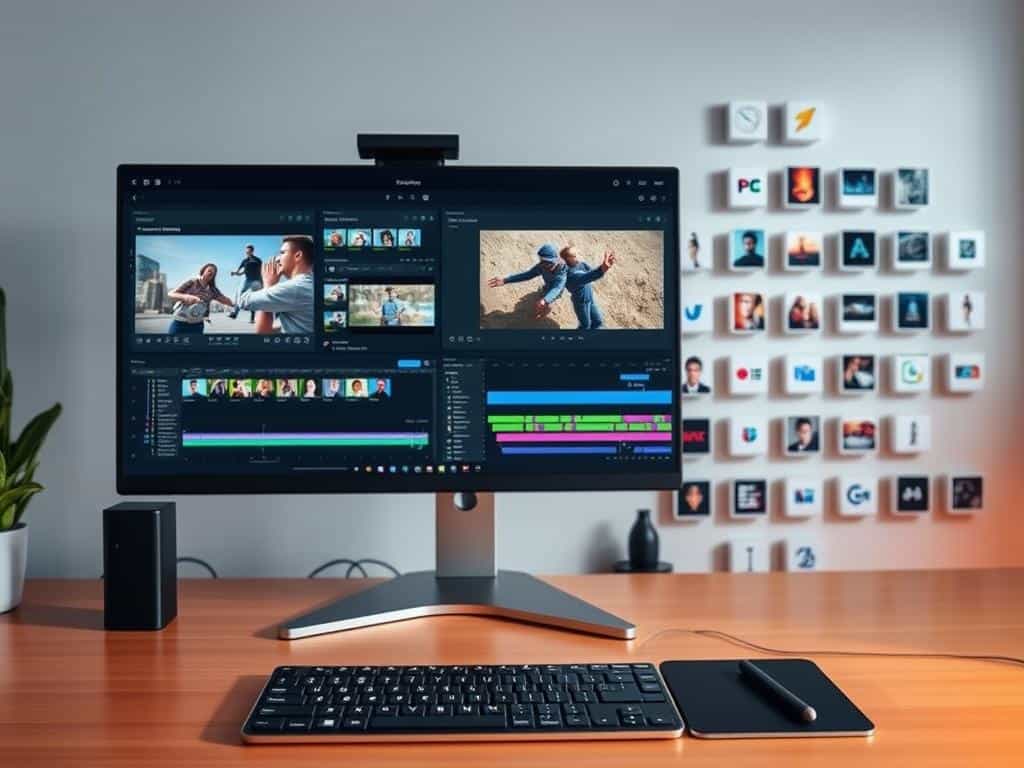
Did you know that video editors spend about 40% of their time on the same tasks over and over? This shows how important it is to have efficient workflows. By using time-saving hacks, I can do more creative work and meet deadlines.
Whether I’m using Premiere Pro, Final Cut Pro, or DaVinci Resolve, these tips help a lot. They save me hours in the editing room.
Key Takeaways
- Efficiency in editing can significantly improve content output.
- Optimizing workflows reduces stress during the editing process.
- Utilizing keyboard shortcuts can cut down editing time.
- Templates and presets offer creativity while saving time.
- Employing technology, like proxy files, streamlines large projects.
- Automating repetitive tasks enhances overall productivity.
Understanding the Importance of Workflow Efficiency
Working in video editing has shown me how key workflow efficiency is. A smooth editing process helps me hit deadlines and keep quality high. In a field where time is everything, being good at workflow makes a big difference.
Why Efficient Workflows Matter in Video Editing
Good workflows help me do tasks quickly and accurately. By planning my projects well, I avoid technical problems that slow me down. This way, I can explore new ideas and keep my work solid.
Every change I make makes my workflow better. This is super helpful when I’m under a lot of pressure.
Reducing Stress and Improving Creativity
Managing my time well helps me dive into the creative side of editing. Less stress means I can think more clearly and come up with new ideas. As I get better at editing, I create a space where creativity can grow.
This makes every project a chance to be exciting, not just a challenge.
Essential Editing Workflow Trends
In today’s fast-paced editing world, using modern trends can really boost my productivity. By focusing on two key strategies, I can manage my time better. These are optimizing with keyboard shortcuts and using templates and presets.
Optimizing with Keyboard Shortcuts
Using keyboard shortcuts is a great way to get faster. Mouse-clicking can slow me down, wasting valuable time. Many editing software lets me customize shortcuts for my most-used actions.
This way, I can quickly move through projects. It lets me focus on being creative, not stuck on repetitive tasks.
Leveraging Templates and Presets to Save Time
Managing templates and presets is another big trend that’s changed my workflow. By organizing my go-to effects and transitions, I save time. I don’t have to start from scratch for every project.
This approach makes my editing smoother and more consistent. It helps me keep quality high while making future projects easier to manage.
Utilizing Technology for Smart Workflows
In video editing, using technology can really boost my workflow. Smart workflows help me manage projects better and think more creatively. Two main strategies are using proxy files and automating tasks.
Implementing Proxy Files for Large Projects
For big projects, proxy files are a game-changer. They’re lower-resolution versions that let me edit without lag. This way, I can work faster and stay focused on being creative.
Automating Repetitive Tasks for Enhanced Efficiency
Automation is key in my editing tools. It helps with tasks like batch processing and auto-saving. This lets me focus on the creative parts, making editing more fun and efficient.
Conclusion
Adopting efficient editing workflows is key in my editing practice. These workflow hacks save me a lot of time and boost my creativity. Techniques like keyboard shortcuts, organizing media, and using templates make editing faster and more fun.
Using technology, like proxy files, also boosts my editing speed. These aren’t just tips; they’re essential for improving my editing process. Every change I make helps me handle project demands better and explore new possibilities.
By adding these time-saving techniques to my routine, I can dive deeper into my creativity. My last thoughts are that acting on these trends is essential. It keeps me ahead in a changing field, improving my video editing skills.
