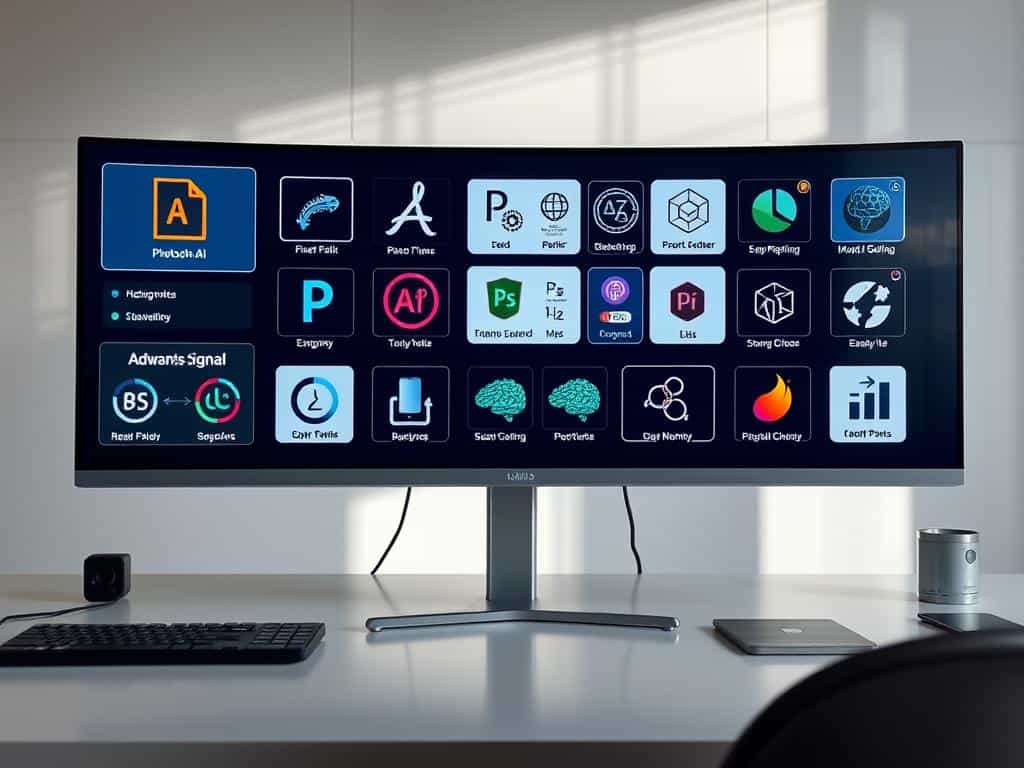
Did you know over 60% of graphic designers love the new AI tools from Adobe? They say these tools are changing how they work. Adobe just showed off a new Photoshop with amazing AI features.
These features let you remove objects easily and make old photos look new again. You can turn a simple photo into a work of art or change its size with just a click. These tools are a big step forward in making digital art.
Key Takeaways
- Adobe’s new AI features dramatically streamline image editing tasks.
- Generative Fill allows for the personalized creation of unique visual elements.
- Neural filters enhance the quality of damaged photos with quick adjustments.
- The remove tool improves the appearance of subjects by reducing shine.
- AI image upscaling maintains details in low-resolution photos.
- Users benefit from monthly generative credits that enhance creative possibilities.
Revolutionizing Image Editing with Photoshop AI Tools
Adobe Photoshop has changed the game with its new AI tools. It mixes old-school editing with AI magic. Now, I can edit images in ways I never thought possible.
Features like smart object recognition and auto-enhancements make editing easier. It’s now more fun and less complicated. This opens up new creative doors for me.
Introduction to Adobe’s AI-Powered Enhancements
Adobe Photoshop has gotten a major upgrade with AI. It uses smart tech to make editing faster and more accurate. Now, I can get top-notch results with less effort.
With tools like advanced facial recognition, my work looks professional. And I can keep my creative ideas intact.
How Generative AI is Transforming Creative Workflows
Generative AI is a game-changer for Photoshop. It lets me change backgrounds or add new elements with just a text command. This makes my design process more exciting and efficient.
Tasks that used to take hours now take minutes. This is great for both beginners and experts. It boosts creativity and saves time.
Key Features of the New Photoshop AI Tools
Adobe’s latest update has introduced powerful AI tools that change how we edit images. These tools boost creativity and make editing easier. Let’s look at the standout features in this new Photoshop world.
Generative Fill for Enhanced Creativity
Generative Fill is a big step forward in creating content. It lets me expand backgrounds or add realistic objects to scenes. Introduced in May 2023, it has changed my editing process, opening up new creative possibilities.
It uses Adobe Firefly’s generative AI to create unique and personalized outputs.
Smart Edits: A New Era in Image Manipulation
Smart Edits marks a new era in image editing, making complex tasks simpler. It lets me adjust images precisely without getting into detailed settings. The adjustment brush in the app makes quick changes to brightness and saturation.
This reduces editing time while keeping the quality high.
Automatic Retouching for Flawless Results
Photoshop’s automatic retouching is truly groundbreaking. It removes unwanted objects or flaws easily. The enhanced detail feature ensures sharpness and clarity, making images look professional without manual effort.
Real-World Applications and Examples
These AI tools are versatile and useful in many ways. I can redo famous album covers, enhance digital art, and fix AI-generated images quickly. Generative fill and automatic retouching together offer endless creative possibilities in today’s fast digital world.
Conclusion
Adobe’s Photoshop AI Tools have changed the world of digital creativity. They use generative AI to make work easier and more creative. This lets artists spend more time on their ideas, not just the details.
These tools let me dive deeper into my art. They save time and make my work look better. This is a big deal for me.
Generative AI can copy famous styles or mix them in new ways. This makes image editing look very promising. It makes colors work better together and adds more detail to my art.
This helps me make art that stands out. It lets me use my creativity to the fullest.
I’m excited to see how Photoshop AI Tools will keep improving. Adobe keeps making these tools better. I think image editing will keep getting more exciting and creative.
