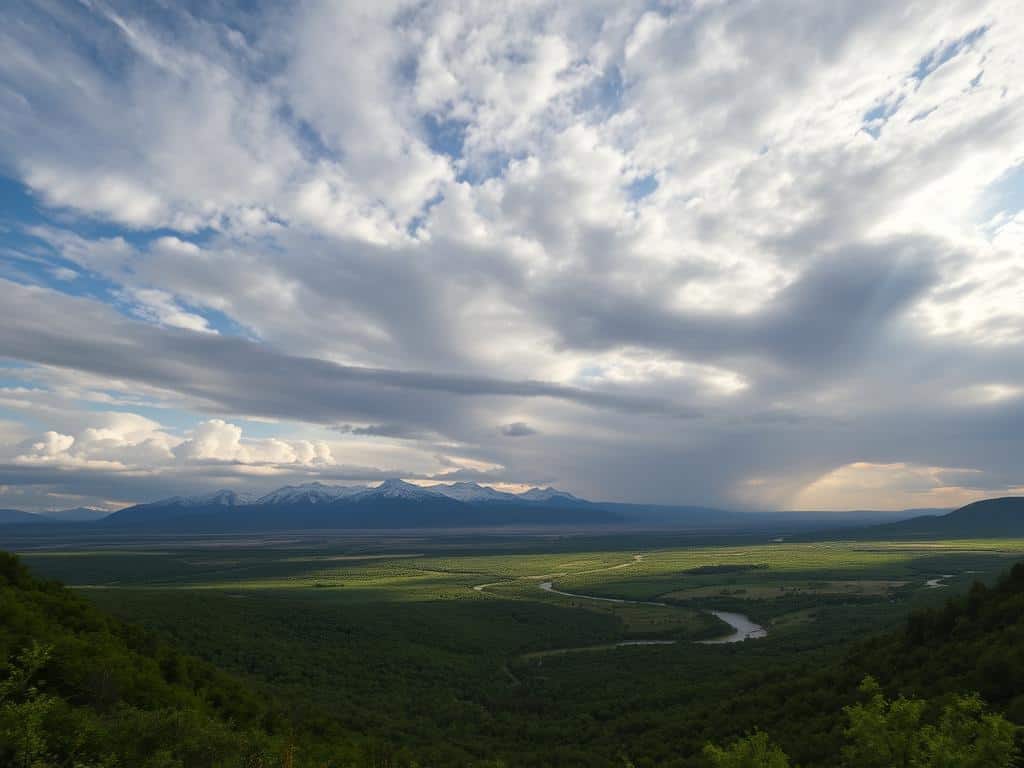
Did you know AI can cut photo editing time by up to 70%? This shows how AI is changing landscape photography. Now, I can make my photos better with just a click, thanks to tools like Photoshop AI and Lightroom.
AI doesn’t just make editing faster. It also makes it easier for everyone to get great results. Whether it’s changing skies or adding details, AI makes complex tasks simple. This lets me focus on my creativity, not just editing.
Key Takeaways
- AI-assisted editing streamlines repetitive tasks, freeing up time for creativity.
- Photoshop AI and Lightroom enhancements offer one-click editing solutions.
- AI technology enables seamless sky replacements for stunning landscapes.
- A beginner-friendly approach to photo editing is provided by tools like Brilliance AI.
- AI tools enhance photo quality, making professional results accessible to all.
The Power of AI in Landscape Photography
AI has changed the game in landscape photography. It lets photographers turn simple scenes into amazing pictures. With smart algorithms, they can boost colors, contrast, and details quickly. This means less time on editing and more time capturing nature’s beauty.
Transforming Ordinary Landscapes
AI algorithms can automatically improve images, like making them brighter and more colorful. Tools like Adobe Lightroom and Skylum Luminar use AI-Powered Effects to make editing easier. They also help reduce noise in dark photos, making every shot clear and sharp.
AI-Powered Effects and Filters
AI tools let me edit parts of a photo without changing the whole thing. I can make HDR images by combining different exposures. I can also stitch images together to make panoramic photos without special gear.
Realistic Adjustments and Enhancements
AI does more than just basic edits. It can enhance details and even change skies and remove objects. This makes my work more efficient, giving me time to try new things. About 70% of landscape photographers, including me, use AI to improve their work.
AI Sky Enhancements
AI Sky Enhancements have changed how photographers take landscape pictures. They use Sky Replacement Techniques to turn dull skies into lively ones. Tools like ON1 Sky Swap AI offer 125 skies in 8K UHD quality.
This detail makes the skies in photos look amazing. It makes the whole picture look better.
Sky Replacement Techniques
AI makes Sky Replacement Techniques work smoothly. It creates high-quality masks automatically. This makes the new sky blend in perfectly.
The software works with Adobe Photoshop and Lightroom Classic. This makes it easy for more photographers to use. It has tools to adjust the sky’s position and details.
Features like “Close Gaps” help keep the image real. This ensures the final photo looks natural.
Creating Dynamic Skies with AI
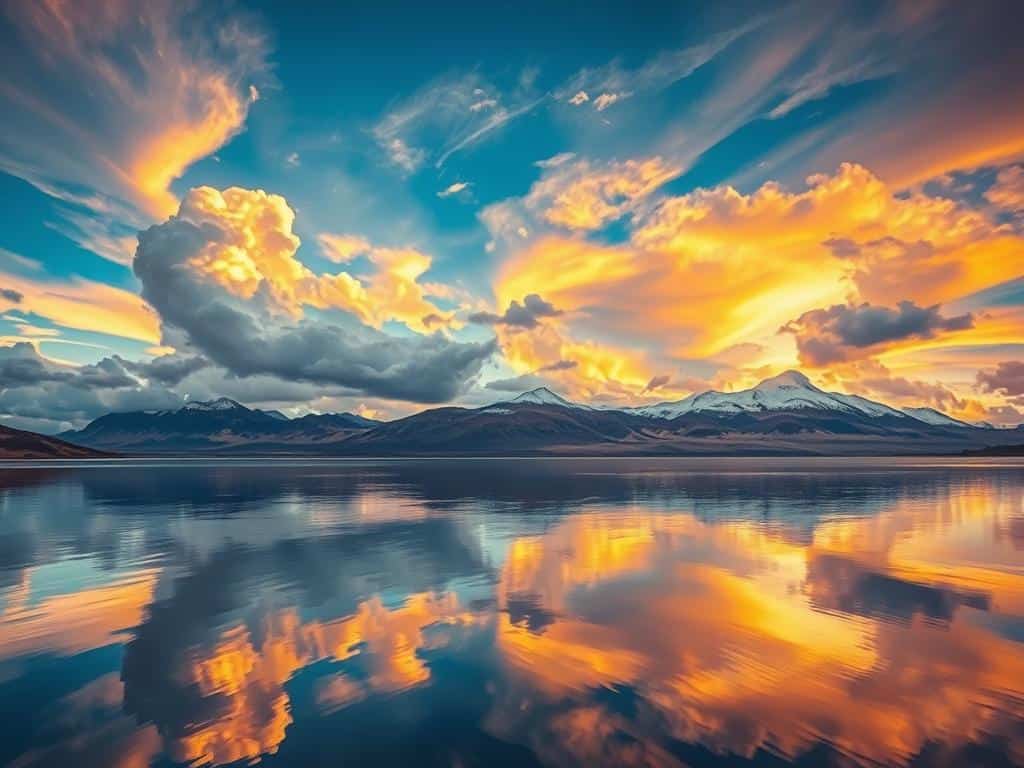
AI tools let photographers create amazing skies. The Sky AI tool suggests skies based on the photo. It uses the user’s library and Skylum’s Marketplace.
Advanced sliders help make the sky look real. Options like “Relight Strength” and “Atmospheric Haze” match the scene’s light and atmosphere. This makes the photo capture the essence of its setting.
Conclusion
AI in photography has changed the game for me. It has brought new tools that make editing easier and more creative. Now, I can spend less time on manual work and more on making beautiful images.
Thanks to software like Luminar Neo and Adobe Photoshop, I can make quick and realistic changes. AI helps with tasks like removing backgrounds and fixing blemishes. This makes editing faster and more enjoyable.
Batch editing has also boosted my productivity. It helps me work on many images at once. I’m looking forward to even more AI advancements, like real-time editing and personalized suggestions.
AI is opening up new possibilities in landscape photography. It not only helps me but also makes my work better. With these tools, I create images that not only show off nature’s beauty but also inspire others.
