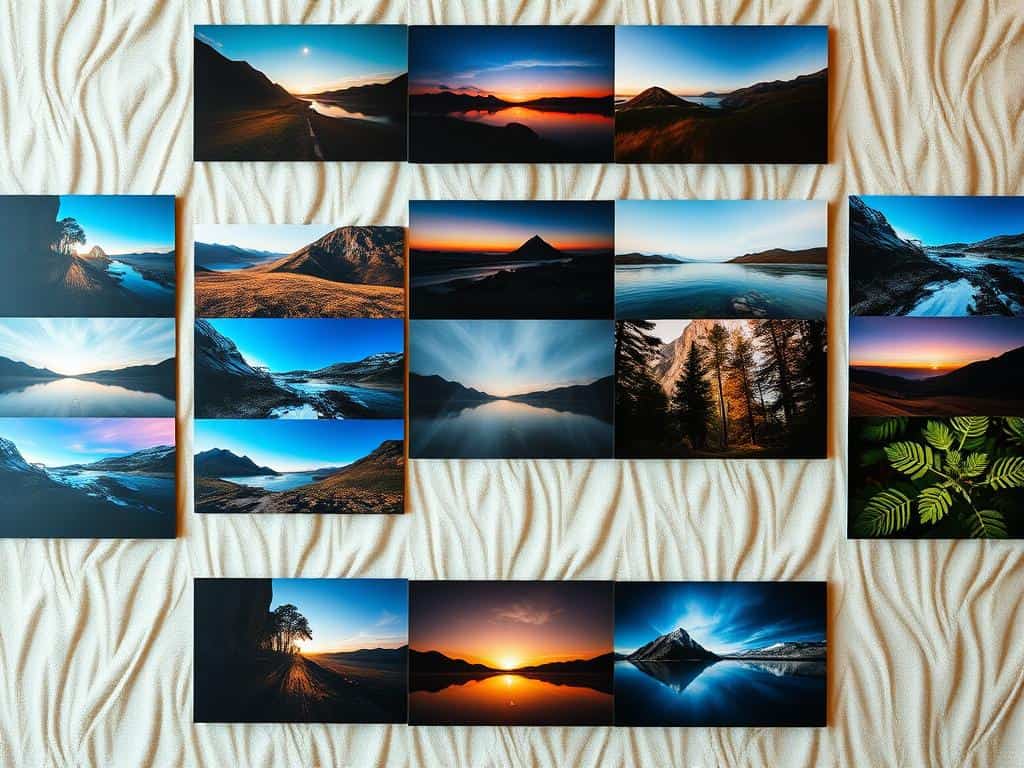
Did you know that high-quality LUTs can make your videos look 50% better? For both new and experienced video makers, LUTs are key. They turn regular footage into stunning visuals. Whether you use free LUTs or buy them, the right ones can add amazing colors to your edits.
As someone who loves video editing, I think using good LUTs is a must. In this article, I’ll share my top picks. You’ll see how different LUTs can improve your videos, no matter the lighting or style. You’ll find tools that make your content look amazing, no matter your skill level.
Key Takeaways
- High-quality LUTs can enhance visuals by up to 50%.
- Free LUTs are perfect for beginners and non-commercial projects.
- Paid LUTs provide more professional, cinematic looks.
- Compatible with major editing software like Adobe Premiere and Final Cut Pro.
- Essential for maintaining consistent visuals across multiple video clips.
Understanding LUTs and Their Importance in Video Editing
LUTs, or Look-Up Tables, are key in video editing. They change color input values into the desired output. This makes color grading easier and faster. They also help keep the look consistent across different clips, improving video quality and efficiency.
What Are LUTs?
LUTs are pre-made files with instructions for color and tonal changes in video. There are two main types: 1D and 3D. A 1D LUT changes all colors the same way. A 3D LUT adjusts hue, saturation, and more, giving more creative freedom.
How LUTs Enhance Your Videos
Using LUTs in my editing makes my videos look like they were shot on 35mm film. They make color grading faster, allowing for quicker changes. This method is non-destructive, so I can try out different LUTs easily. When used right, LUTs can make videos look unique, adding mood and depth.
Best LUTs for Videos
Exploring video editing means knowing the value of high-quality LUTs. They must work well with top editing software. This makes your work smoother. Good LUTs also let you achieve professional-looking results.
Essential Features of High-Quality LUTs
Top LUTs offer many color grading options. They’re key for filmmakers wanting unique looks. They should handle skin tones and different lighting well. The best LUTs also work with many editing programs.
Top Paid LUTs to Consider
For top-notch LUTs, check out some paid options. Bounce Color’s Complete Bundle has 13 packs of high-quality LUTs. Osiris Cinematic LUTs offer nine LUTs for a cinematic look.
Blackmagic BMPCC LUTs work with various Blackmagic cameras. Bounce Color’s Filmic Tone LUTs focus on skin tones and moody looks. Lens Distortions’ Finishing LUTs are premium but pricey.
Highly Recommended Free LUTs
There are many free LUTs for those on a budget. Ground Control Color has 13 free LUTs for different looks. Juan Melara offers four print LUTs for color correction.
Color Grading Central has seven free LUTs for beginners. SmallHD’s Movie Look LUTs are inspired by cinema. Frank Glencairn’s K-Tone LUTs mimic Kodachrome film. Wanderlust has 17 LUTs for travel videos.
RocketStock has 35 categorized LUTs. These resources can improve your projects without costing money.
How to Apply LUTs in Video Editing Software
Applying LUTs can make your videos look amazing. It’s key for beginners to know how to use them well. This guide will show you how to use LUTs in popular editing tools, making color grading easier.
Step-by-Step Guide for Beginners
Start by opening your video editing software, like Adobe Premiere Pro or DaVinci Resolve. Go to the project settings and pick your footage. Then, add your LUT files to the software.
In Adobe Premiere Pro, find the Lumetri Color panel. There, you can add LUTs to your footage by dragging them onto it. DaVinci Resolve makes it even easier. Just drag and drop your LUTs onto your clips in the timeline.
Adjust the LUT’s intensity to fit your project. In Premiere Pro, use the intensity slider from 0% to 100%. Most editors start with a lower intensity for the best look.
Tips for Effective LUT Application
Before using LUTs, check your footage. Different shots need different LUTs. Adjusting the LUT’s opacity can also change the look a lot.
Start with small adjustments to see how the LUT affects your video’s colors. This way, you can fine-tune the look. If you face issues like color mismatches, try tweaking the adjustment layers. This can fix many problems and improve your color grading.
Conclusion
Adding LUTs to video editing can make a big difference. It brings a polished look to any project. This article covered the best LUTs, their benefits, and the choices between free and paid options.
Tools like Teal & Orange LUT, Vintage Film LUT, and Cyberpunk LUT add unique styles. They help editors tell their stories in a special way. This makes the video more engaging.
LUTs are key for keeping colors consistent in all shots. This is essential for a good story. Trying out different LUTs can save time and boost creativity.
My last thoughts on video editing stress the need to try out these tools. There are many resources, like Filmora, Bounce Color, and Filtergrade. They can help anyone improve their video projects.
Learning to use LUTs can greatly enhance your videos. It turns regular footage into something amazing. I suggest trying out different LUTs to see how they can change your videos. With practice, you can make your videos look professional and grab people’s attention.
