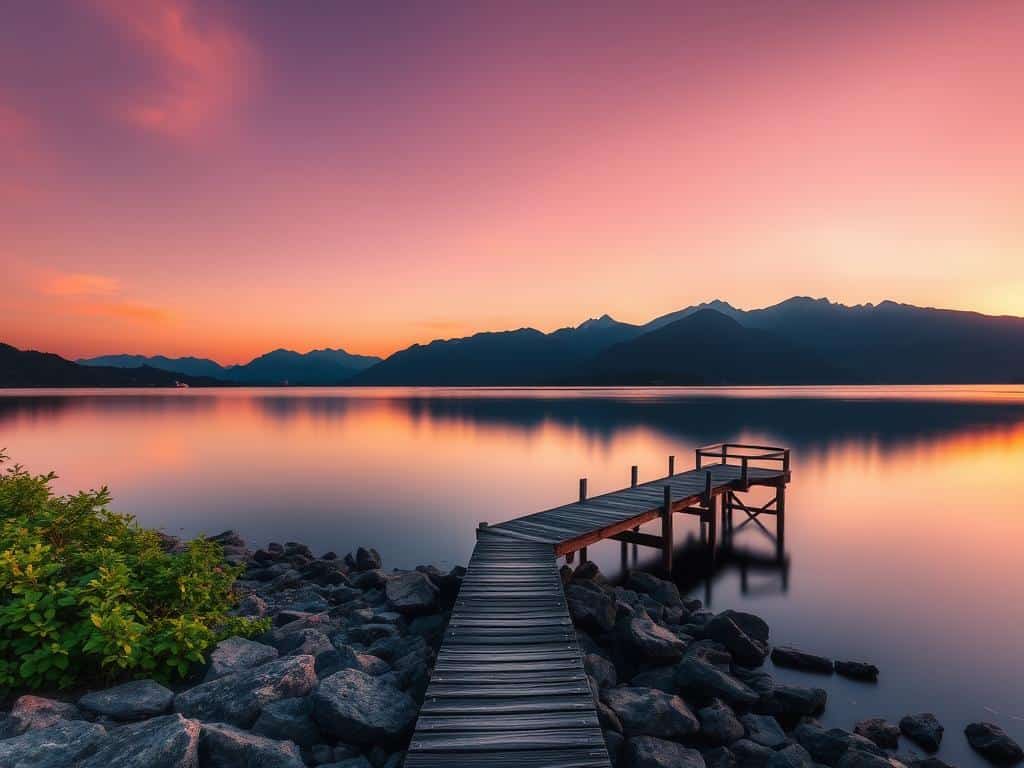
Did you know that underexposed long exposure images might need up to 10,000 K in white balance to fix color casts? This fact shows how tricky it can be for photographers to get stunning photos. Long exposure photography is loved for its ability to make light trails and smooth water. But, turning a raw image into something amazing takes skill in Long Exposure Editing.
In this guide, I’ll show you how to make your photos stand out. We’ll use Adobe Lightroom, Photoshop, and even free tools like GIMP and Affinity Photo. With the right editing tricks, you can bring out the best in every photo.
- Understanding and adjusting color casts is essential for achieving accurate color in long exposures.
- Stacking exposures can significantly reduce digital noise and enhance image quality.
- Color correction plays a critical role in making your long exposure photos visually appealing.
- Advanced techniques, including HDR effects, can elevate your photos to the next level.
- Using the right software tools allows for non-destructive editing and experimentation.
Key Takeaways
Understanding the Basics of Long Exposure Photography
Long exposure photography is a creative technique that uses time and light. It involves keeping the camera’s shutter open for a long time. This can be from 1/1000 of a second to several minutes.
The result is stunning images that show motion. You can see this in flowing waterfalls or busy cityscapes at night.
What is Long Exposure Photography?
Long exposure photography captures the essence of time. It uses a long shutter speed to show motion in a way regular photos can’t. For example, a 1/2 second shutter speed can make moving subjects look fluid.
Exposure times of 25 seconds or more can even remove some elements from the photo. This technique tells unique stories through visuals.
The Importance of Proper Equipment
The right equipment is key for long exposure success. A sturdy tripod is essential to avoid camera shake. Neutral density (ND) filters also play a big role.
ND filters let in less light, allowing for longer exposure times. For instance, a 10-stop ND filter can let in enough light for 36 seconds. This creates dreamy effects in nature photos.
A polarizing filter boosts color and reduces reflections. This is great for waterfalls.
Common Challenges When Shooting Long Exposures
Long exposure photography has its challenges. These include image noise, color casts from filters, and finding the right exposure time. Different scenes need different approaches.
Capturing clouds might take minutes, while waterfalls need around 1/3 to 1/2 second. Knowing these challenges is important for mastering the technique.
Essential Steps for Long Exposure Editing
Editing long exposure photos starts with importing them into editing software like Adobe Lightroom or Photoshop. These tools offer easy-to-use interfaces and powerful features. They help me refine my images effectively.
Importing Your Images into Editing Software
After taking my long exposure shots, I import them into editing software. This step lets me use all the tools I need for editing. Whether I choose Lightroom for global adjustments or Photoshop for detailed work, it’s key for efficient editing.
Looking at the histogram during import helps me see if I need to adjust exposure. This avoids overexposed or underexposed parts of the image.
Basic Edits for Light and Noise Correction
My first edits focus on light correction and noise reduction. Long exposures can bring in unwanted noise, mainly in dark areas. Lightroom’s noise reduction tool helps me reduce speckles without losing clarity.
I also adjust exposure and fine-tune white balance to remove color casts. This improves the overall quality of my photos. Making sure my images are sharp and clear makes them more appealing.
Advanced Techniques: Stacking and HDR Effects
Next, I use advanced techniques like stacking images and HDR effects. Stacking involves blending multiple exposures to reduce noise and improve detail. This method combines the best parts of several images for a cleaner result.
I use Photoshop’s auto-align and auto-blend layers feature for seamless stacking. HDR effects help capture a wider range of light and color, adding striking contrast to my images. Lightroom’s photo merge feature makes creating HDR images easy, ensuring I use the full range of luminosity in my shots.
Long Exposure Editing: Techniques and Tips for Stunning Results
To get amazing results in long exposure photography, you need to know some editing tricks. These techniques can make your photos look incredible. Using color correction, photo retouching, and a clear vision is key to stunning images.
Color Correction to Enhance Visual Appeal
Color correction is important to show the true colors of your scene. Neutral density filters can sometimes mess with colors. I use Lightroom’s white balance tool to fix this.
By tweaking the temperature and tint, I get a balanced color look. This makes the photo look even better.
Using Advanced Photo Retouching Techniques
Advanced photo retouching can add a lot to your long exposure photos. I use layer masks in Photoshop to focus on certain parts. This helps draw the viewer’s eye to the best spots.
It’s a detailed way to highlight important details without cluttering the photo. Plus, these edits are non-destructive, so I can keep trying new things.
Building a Creative Vision for Your Edit
Having a clear creative vision is key when editing long exposure photos. I start by thinking about what I want to achieve with my edits. This way, every change I make helps tell a story.
Whether it’s making light trails pop or changing the mood, keeping my vision in mind is important. It ensures the final photo stays true to my artistic vision.
Conclusion
Mastering long exposure editing is key to unlocking my photos’ full artistic value. I’ve learned to tackle challenges that come up during shoots. This knowledge, combined with editing skills, lets me create breathtaking images that show my vision.
This article has given me essential tips and advanced techniques. I’ve learned to use shutter speeds, filters, and remote shutter releases. By choosing low ISO settings and the right aperture, I reduce noise and improve image quality.
Turning my long exposure shots into stunning works is a fulfilling process. I urge you to try these methods, take creative risks, and improve your photography. Your unique view can create captivating and inspiring images.
