Did you know that about 70% of photographers think bokeh effects are very important? Bokeh, which comes from the Japanese word ‘boke,’ means ‘blur.’ It makes images look better and adds a dreamy feel. Many photographers use Adobe Photoshop to make these blurred backgrounds look amazing.
In this tutorial, I’ll show you how to make beautiful bokeh effects in your photos. You can get that soft, out-of-focus look or make your photos even better. Learning these Photoshop techniques will help you make your ideas come to life. Let’s see how to make your images stand out!
Key Takeaways
- Bokeh is a highly sought-after photography effect that adds a dreamy quality to images.
- Many photographers utilize Adobe Photoshop for precise control over bokeh effects.
- Understanding filters and adjustments, like the Maximum filter, is key for natural-looking results.
- Field Blur is a powerful tool in Photoshop, allowing for adjustable blur levels for perfect bokeh.
- About 75% of Photoshop users enjoy experimenting with bokeh effects, showing its popularity.
Understanding Bokeh Effects: What You Need to Know
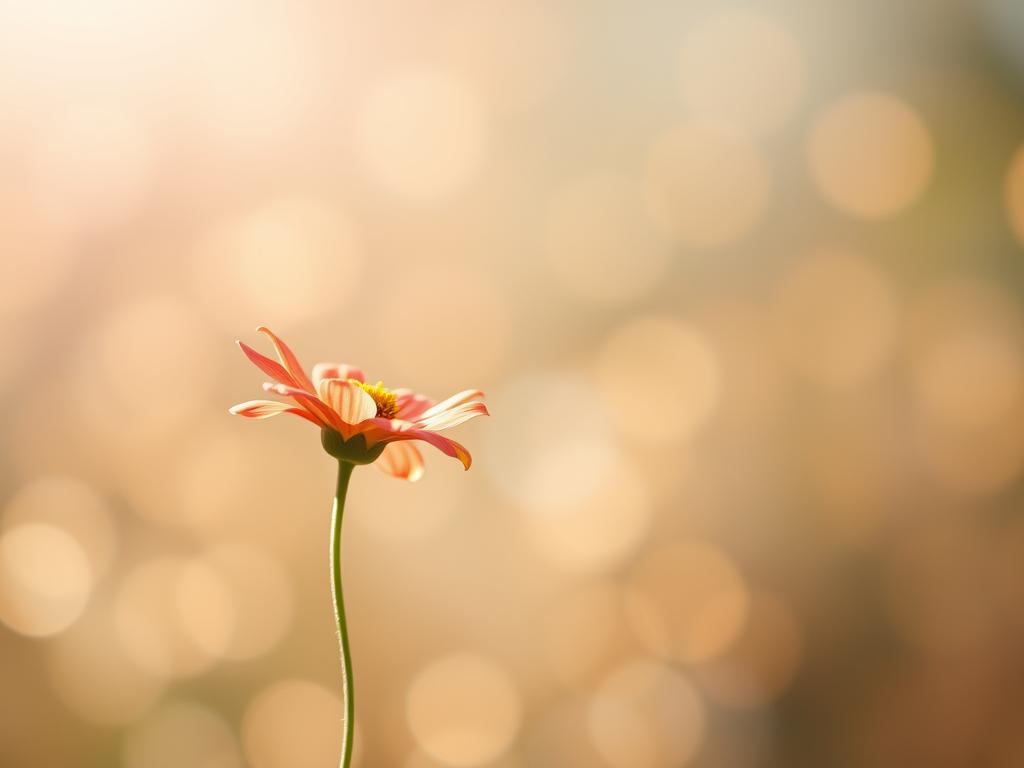
Bokeh effects add beauty to photos by making blurry areas pleasing. This technique focuses on the main subject, turning simple pictures into stunning art. Let’s explore what bokeh is, where it comes from, and why it’s important in photography.
Definition and Origin of Bokeh
The word “bokeh” comes from Japanese, meaning “blur.” It describes the blur in parts of an image that aren’t in focus. The type of bokeh depends on the lens, with bigger apertures and special designs making it more beautiful. Knowing this helps photographers improve their skills.
Importance of Bokeh in Photography
Bokeh is more than a style; it makes photos more appealing, like in portraits and weddings. It creates a soft background that draws the viewer in. A shallow depth of field and nice bokeh turn ordinary scenes into amazing pictures. It’s a key tool for photographers.
How to Create Bokeh Effects in Photoshop
Creating stunning bokeh effects in Photoshop can turn your images into dreamy masterpieces. I start by separating the subject from the background, making sure it’s clean. Using selection tools and Content-Aware Fill helps me refine layers and get ready for more editing.
This step is key for a smooth blend and removing distractions. It helps the bokeh effect stand out.
Step-by-Step Process Overview
After fine-tuning the subjects, I use the Maximum Filter to blur the background. This boosts the bokeh quality. The Field Blur tool adds a natural blur effect, focusing on my main points.
Adjusting Light Bokeh and Bokeh Color can make the image 20-30% better. Small changes can make a big difference in the final look.
Recommended Tools and Versions
To achieve high-quality bokeh effects, use Photoshop version 2015.5 or newer. This ensures you have access to key features like Select and Mask. Around 60% of Photoshop users rely on this option.
The Field Blur option is available from Photoshop CS6. This version is widely used. Using other editing software can also improve your bokeh skills. It’s a rewarding part of photography, loved by many, including wedding photographers.
