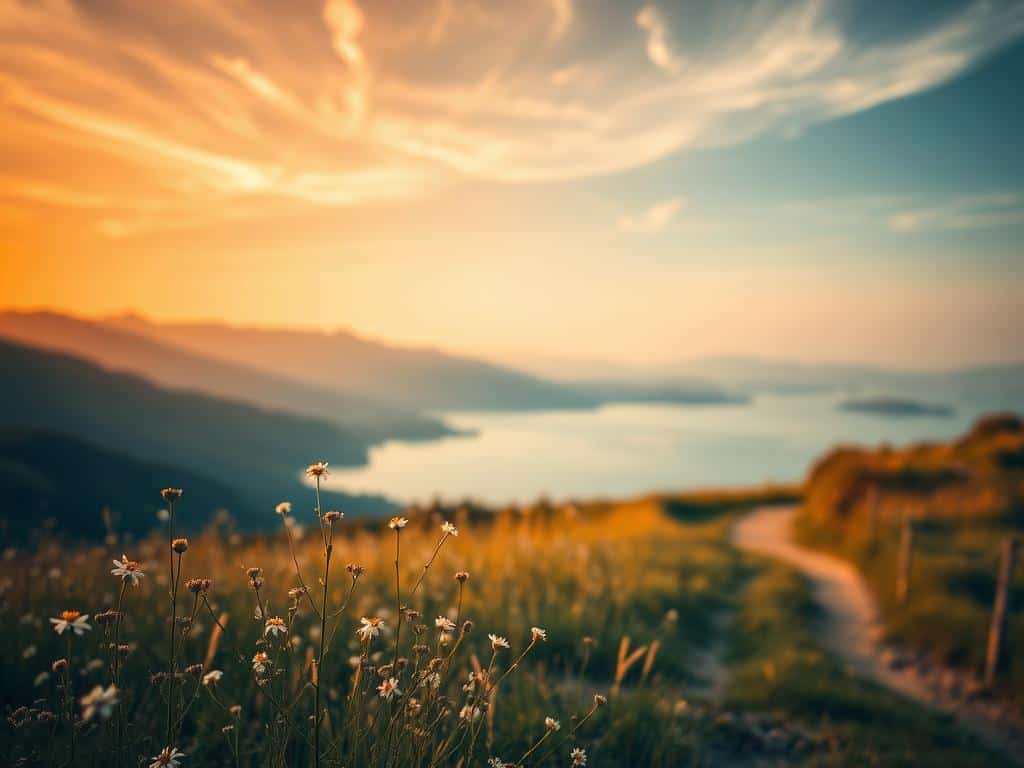
Did you know 78% of photographers say natural light makes their photos dreamy? This effect is key in wedding and nature photos. Dreamy edits use soft focus, muted colors, and ethereal styles. They bring a sense of nostalgia and calm.
This guide will teach you how to make dreamy edits. We’ll cover the basics, techniques, and editing steps for that ethereal look. We’ll focus on lighting and composition to help all photographers.
Key Takeaways
- Natural light enhances the dreamy quality of images.
- Golden hour shooting increases soft, ethereal effects.
- Wide apertures provide greater subject isolation.
- Reducing contrast improves perceived softness.
- Color grading can significantly enhance mood.
- Using presets saves time and boosts experimentation.
- A subtle vignette helps focus viewer attention on the subject.
The Basics of Dreamy Photography Edits
Creating dreamy photography edits is all about understanding key principles. These include soft focus, muted colors, and the right subject matter. By mastering these, I can make images feel nostalgic and romantic, drawing viewers in.
Understanding Soft Focus
Soft focus is key to creating that dreamy feel. I use a shallow depth of field, with apertures from f/1.8 to f/2.8, to achieve a soft glow. This makes some parts of the image blur, focusing attention on the main subject.
Adding a Gaussian Blur of 10-20 pixels in editing also helps. It makes the image look even softer, a hallmark of dreamy photography.
Importance of Muted Colors
Muted colors are vital for the dreamy look. I reduce vibrance and saturation by 10-15% to get soft, dreamy colors. Pastels and soft tones are perfect for this style.
Lowering contrast also helps soften the image. It makes the final look peaceful and tranquil.
Choosing the Right Subject Matter
The subject matter is critical for dreamy photography. Nature scenes, romantic portraits, and serene landscapes work well. They help create the mood I aim for.
Incorporating motion, like flowing fabrics, adds to the dreamy effect. It makes the image more interesting and engaging. Understanding these basics helps me create stunning, dreamy edits.
Techniques for Capturing Dreamy Photos
Capturing dreamy photos requires mastering certain techniques. These include using natural light and finding the right locations. Natural light photography greatly affects the mood and quality of your images.
The golden hour, just after sunrise or before sunset, offers soft, warm light. This light makes photos look ethereal. Shadows become softer, adding magic to portraits and landscapes.
Utilizing Natural Light
Working with natural light can change your photography. On cloudy days, the diffused light is perfect. It reduces harsh shadows and adds to the dreamy feel of your photos.
Many photographers see a big improvement in their subjects’ vibrance. Natural light makes skin tones look better and adds a natural glow. I always look for the softest light I can find.
Finding the Perfect Location
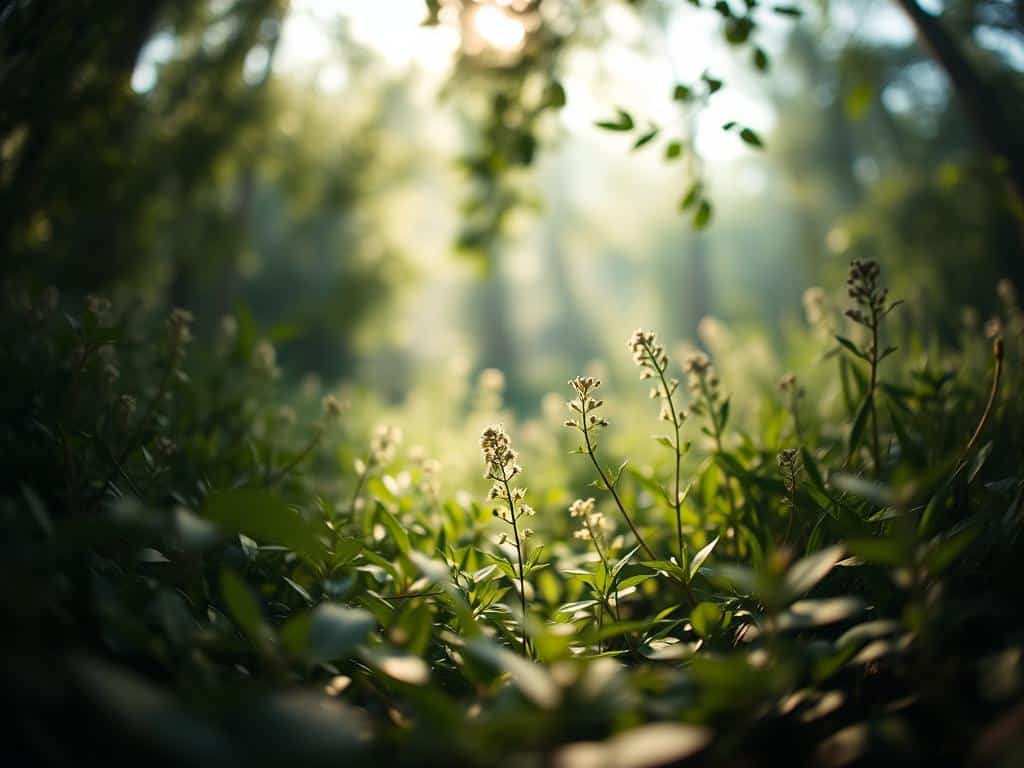
The location you choose is also key for dreamy photos. Places like forests, fields, or gardens are great. They create a calm atmosphere and bring nature into your photos.
A clean environment helps the viewer focus on the subject. It also enhances the dreamy look. When searching for a location, I look for places that match the soft, natural light.
Step-by-Step Guide to Editing for Dreamy Photography Edits
Editing is key to making photos look dreamy. I start with basic changes in Lightroom to create a light feel. Then, I use Photoshop and color grading to make the image even more appealing.
Basic Adjustments in Lightroom
In Lightroom, I first increase the exposure for a light feel. This makes the image warm and inviting. Next, I lower the contrast to soften it. I also tweak highlights and shadows for balance. These Lightroom edits prepare the image for more work later.
Creating Softness and Glow in Photoshop
After Lightroom, I move to Photoshop for more creative work. To get the Photoshop glow effects, I duplicate layers and blur them. I then adjust blending modes to get the perfect soft glow. This adds depth and keeps the image dreamy.
Color Grading Techniques
The last step is using color grading techniques. I fine-tune the image with tone curves and split toning. Adjusting the yellow hue slider helps remove neon tones. This makes the image enchanting and dreamy, connecting with viewers on a deeper level.
Conclusion
Reflecting on my journey in dreamy photography edits, I see how key the basics are. Soft focus, muted colors, and the right subjects make my photos ethereal. Techniques like adjusting Lightroom settings and tone curves help me get that dreamy look.
Exploring creative photography, I learned the power of natural light. Many say their photos improve during the golden hour. Using a wide aperture and classic color grading, like orange and teal, adds depth to my stories. This connection with my audience is priceless.
Mastering dreamy photography edits is about mixing creativity with technical skills. By playing with softness, light, and color, I tell stories that touch hearts. This journey has not only improved my portfolio but also made photography more fulfilling for me.
